

Live Updates. Zero Stress.


How to Track Your Order
We've made it easy to follow your package's journey. Choose the method that works best for you.
 METHOD 1
Track via Shop App
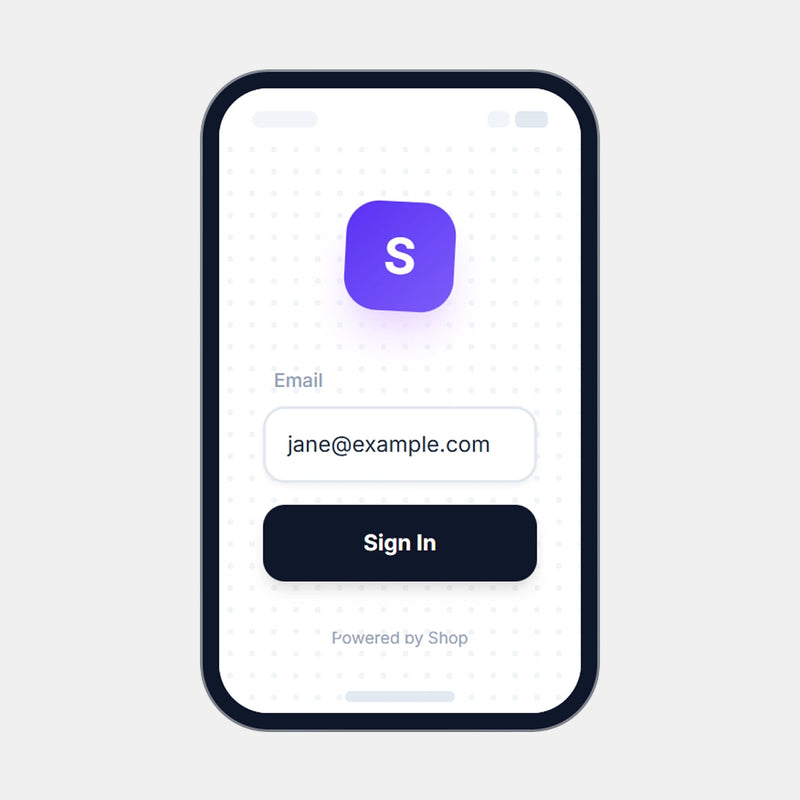
Open the Shop App and log in with the email used at checkout.
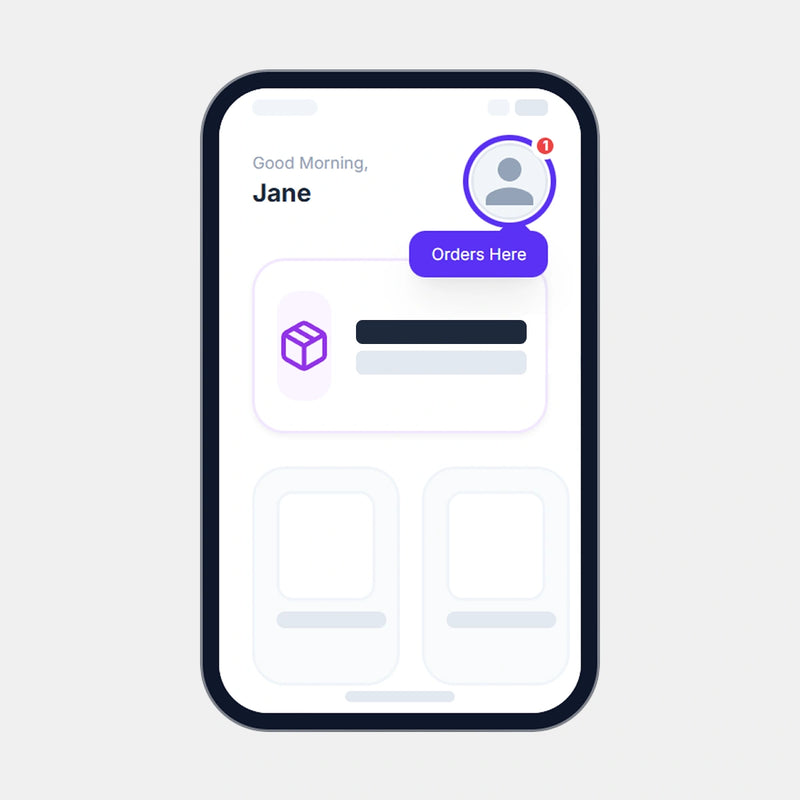
Tap the profile icon in the top right to view your order history.
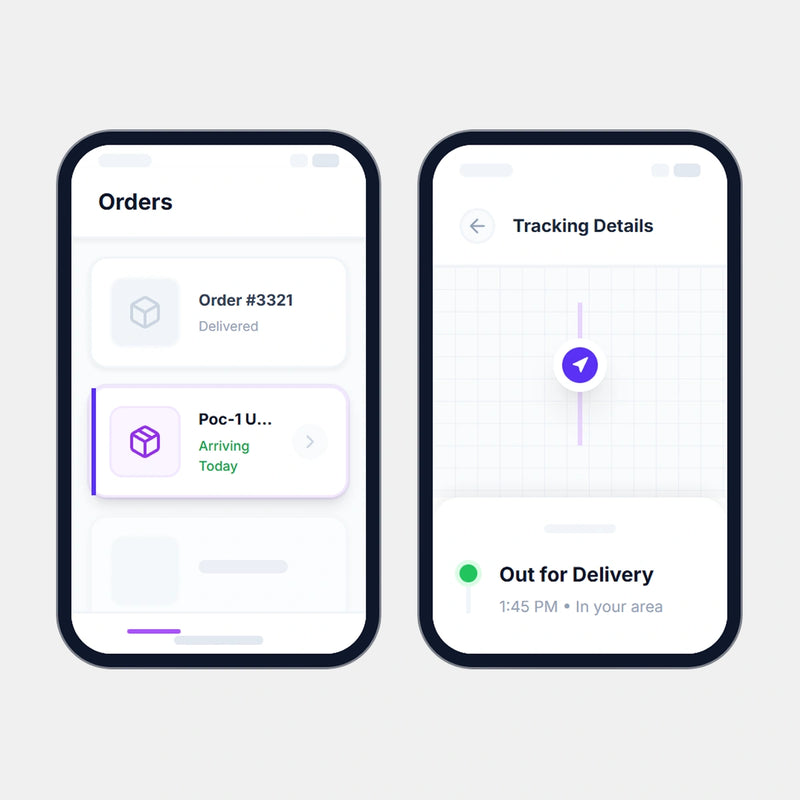
Select an order from the list to view live tracking details.
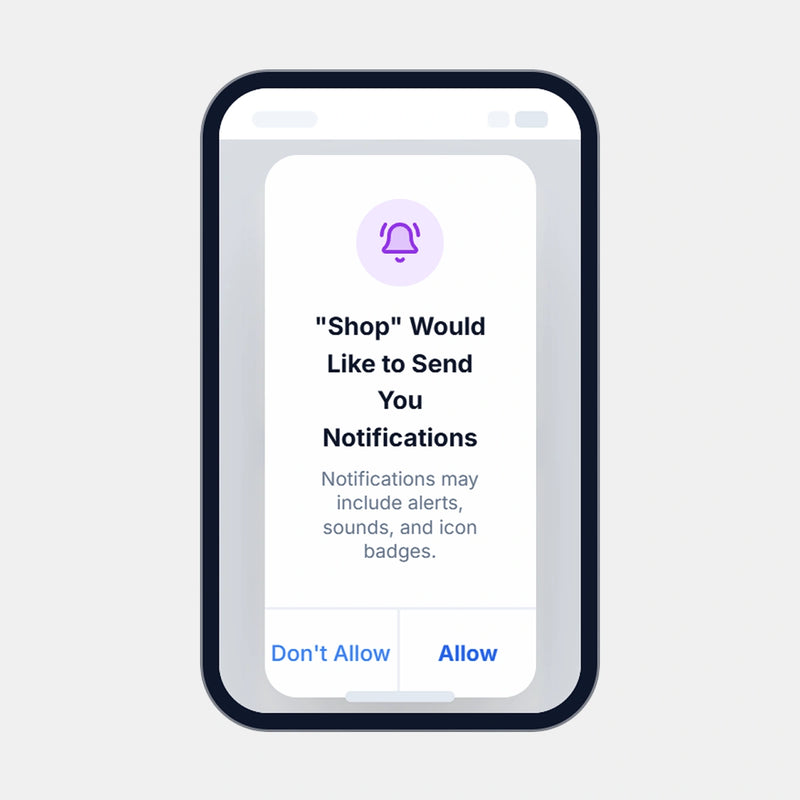
Enable Push Notifications for live updates.
Track via Poclink Website
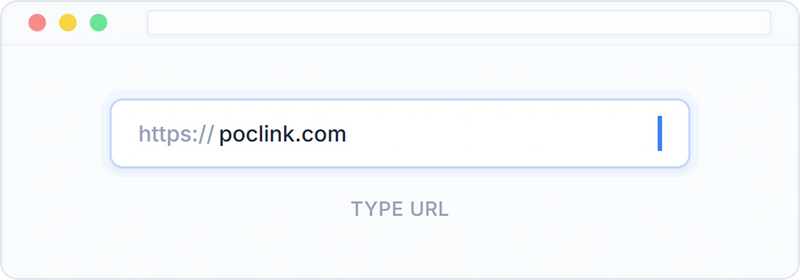
Visit poclink.com in your browser.
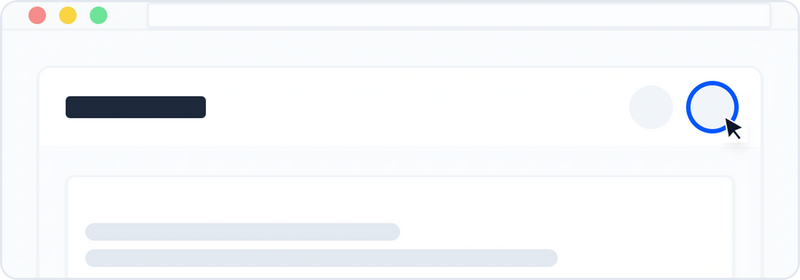
Click the Profile Icon on the top right.
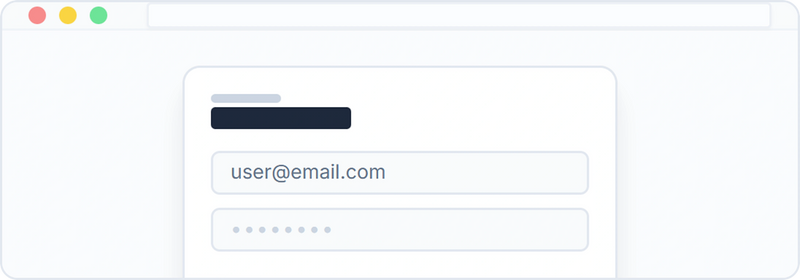
Log in using the email address used at checkout.
Navigate to the Orders tab in your account.

Select the specific order you wish to track.
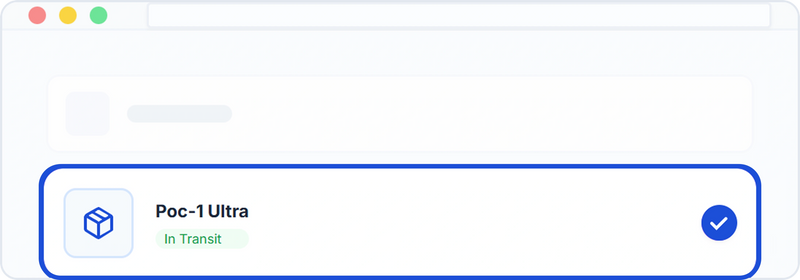
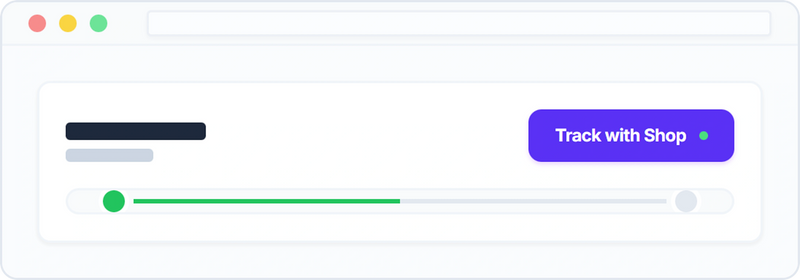
View details or click “Track with Shop” for updates.
Complete Your Setup
Essential add-ons for maximum protection and performance.


Frequently Asked Questions
How do I check my order status?
The fastest way is to use the methods shown above. We recommend using the Shop App for real-time maps or logging into your Poclink account to view shipping details instantly.
If you encounter technical issues with these methods, please contact support@poclink.com with your order number.
Why hasn't my tracking updated in a few days?
If tracking information hasn’t updated, please send your order number to support@poclink.com for help. You may also contact the shipping carrier directly to inquire about delivery status.
Which shipping carrier do you use?
We usually ship via FedEx or USPS. If you selected the 3-day UPS shipping option, your order will be sent via UPS. You can provide your order number for us to confirm the carrier.
Can I change the delivery address?
Delivery address can only be changed before the order is shipped. Once the order is dispatched, the address cannot be modified.


